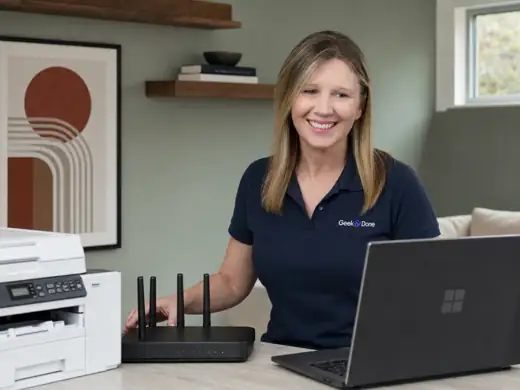
Computer help that starts with the problem, not the jargon.
Get patient help with Windows computers, everyday software, accounts, printers, files and settings. Remote help is usually the first step when it fits the situation.
For a computer that is slow, confusing, newly purchased, or simply not behaving the way you expect.
Windows settings and everyday troubleshooting
Software installation and basic setup
Google and Microsoft app help
Email, browser and account-setting confusion
Finding files, downloads and folders
Updates, permissions, notifications and default apps
New computer setup
Set up a Windows computer around the way you actually use it.
Account and sign-in setup
Personalized settings and defaults
Moving approved files and documents
Browser, email and common app setup
Printer and scanner connection
A clear walkthrough before we finish
Good to know
Geek & Done does not provide internal hardware repair, advanced malware remediation, digital forensics or guaranteed data recovery. If the issue points in that direction, you will know before booking additional work.