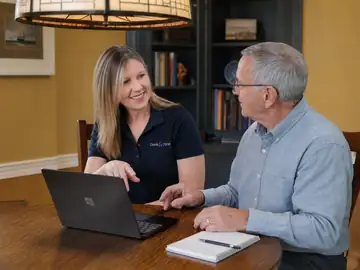
Private computer lessons built around what you want to learn.
No preset curriculum and no pressure to keep up with a class. Tech, Explained sessions are one-on-one and designed around your questions, your devices and your pace.
One-on-one help, using the computer and tasks that matter to you.
1
Bring a real goal
Use something you actually want to accomplish.
2
Work at your pace
Ask questions, repeat steps and take notes.
3
Leave with a method
Practice the task so it feels familiar next time.
Topics can be practical or creative
The lesson follows your goal, not a fixed syllabus.
Windows basics and settings
Email, browsers and web basics
Files, folders and cloud storage
Google and Microsoft apps
Passwords and safer online habits
Photoshop desktop basics on Windows
Lightroom Classic basics on Windows
Digital photo organization
Remote lessons
Often the easiest choice because you learn on your own computer, with your own files, apps and settings right in front of you.
In-home lessons
A good fit when sharing the same physical setup makes the lesson easier, or when the topic involves equipment in the room.
What should I bring to a lesson?
A question, a task or even a list of things that have been bothering you. You do not need to know the right technical terms before we start.